


Dual Lens Dash Cam 2026 - 1080P Front & Rear - Night Vision - G-Sensor - Loop Recording - Parking Monitor
-
Estimated Delivery:Jun 24 - Jun 28
-
Free Shipping & Returns: On all orders over $75

Dual Lens Dash Cam 2026 - 1080P Front & Rear - Night Vision - G-Sensor - Loop Recording - Parking Monitor
Product Info
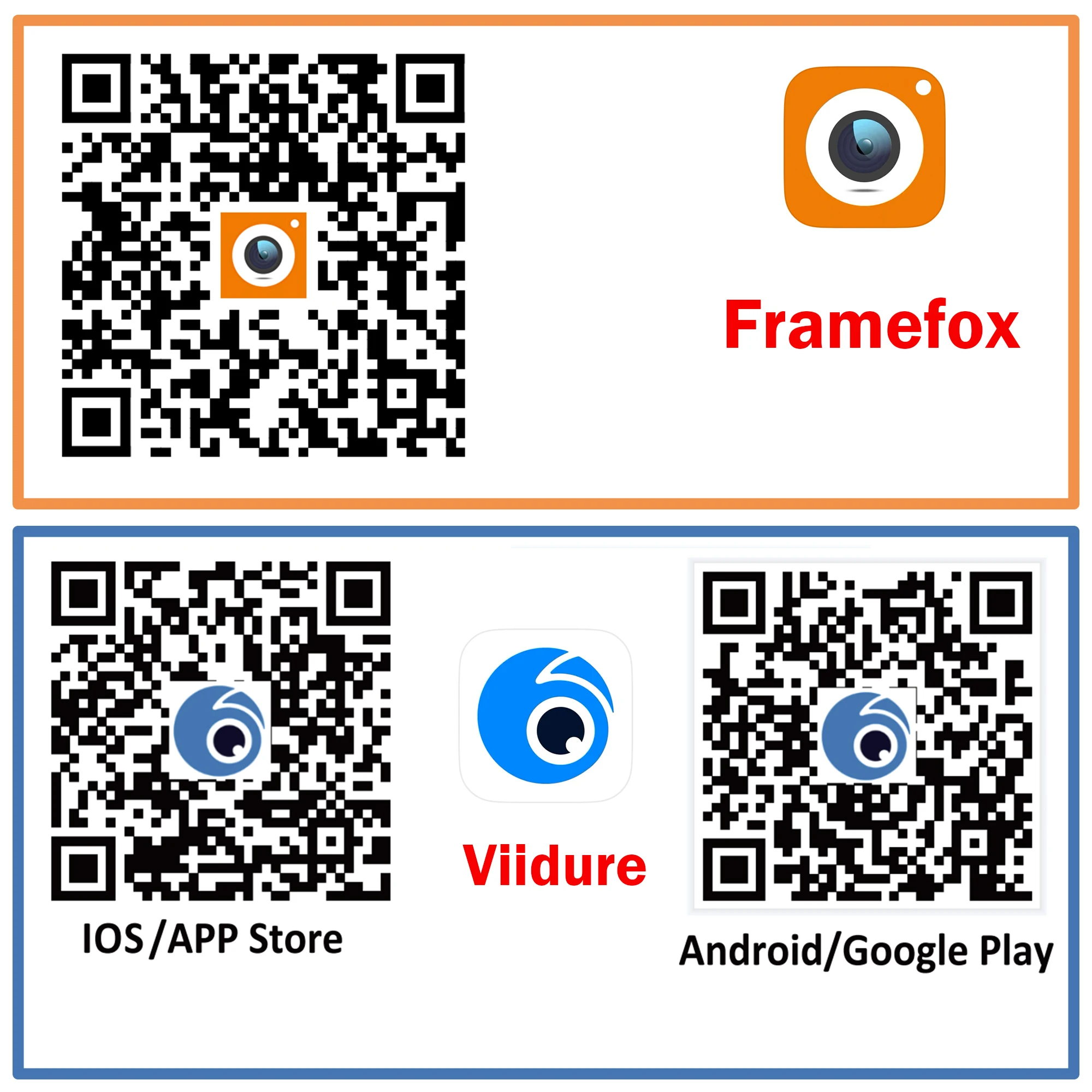
APP Compatibility: Framefox
Aperture: F2.0
Assembly Mode: Portable Recorder
Audio Recorded: Yes
Battery: Built-In
Battery Capacity(mAh): 150mA
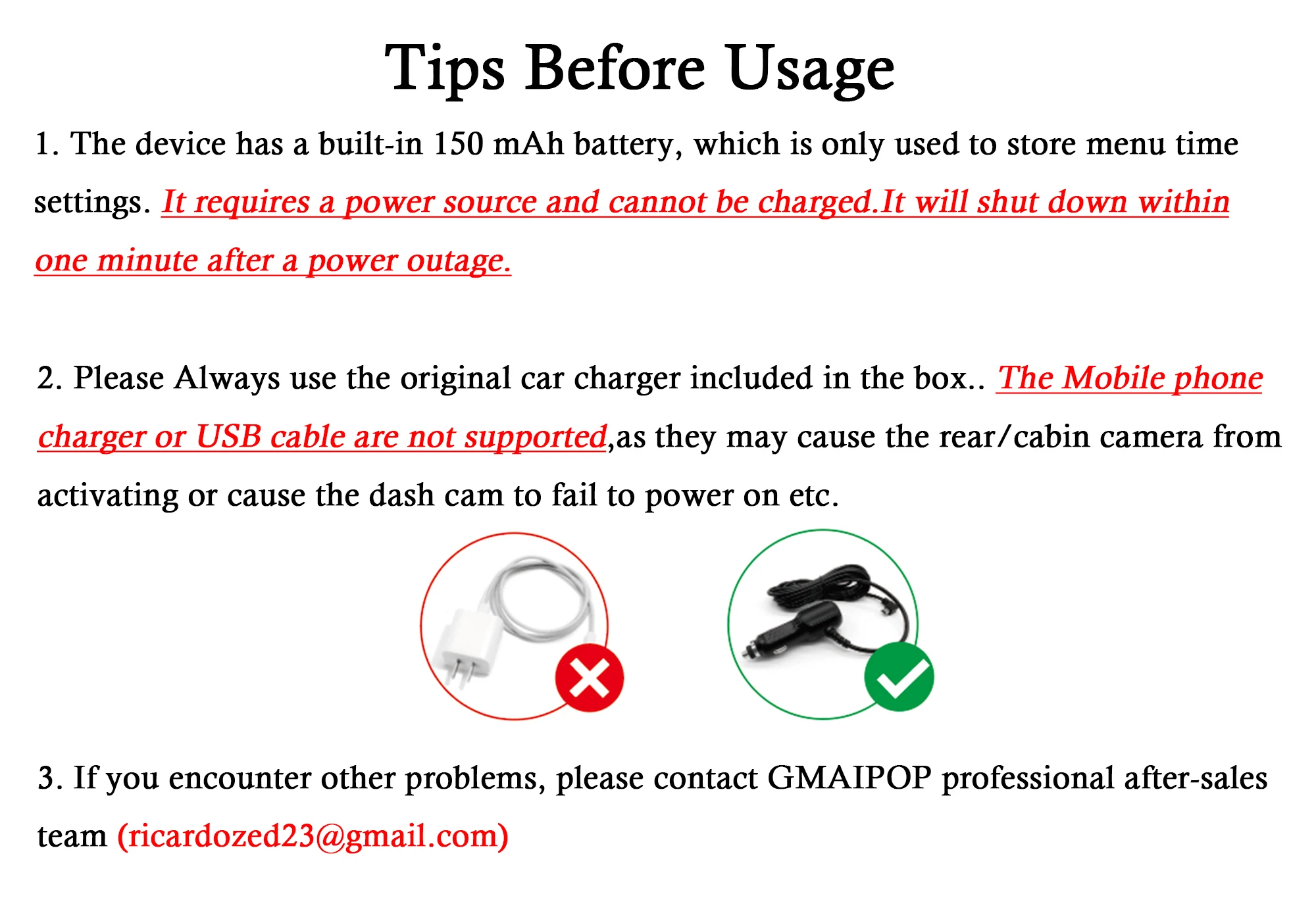
Battery Life: The battery is not powered, the camera needs to be plugged in! !
Brand Name: GMAIPOP
Built-in Screen: Yes
Cable Length: 3.5m
Camera Resolution: 1920x1080
Certification: CE,FCC,RoHS
Chipset Manufacturer: Allwinner
Choice: yes
Data Storage Capacity: 64G
Dimensions (W x H x D): as show
Display: IPS
Frames Per Second: 30
GPS logger: NONE
High-concerned chemical: None
Imaging Sensor: AR0330
Interface: AV-In,Wi-fi,Micro SD/TF
Is Batteries Included: Yes
Item Type: Car DVR
Loop-Cycle Recording Feature: Yes
Max External Memory: 64G
Maximum Video Frame Rate: 30
Memory Card Required Reding Speed: Class 10
NightShot Function: Yes
Number Of Lenses: 2
OSD Language: Arabic,Chinese (Simplified),Chinese (Traditional),English,French,German,Hebrew,Italian,Japanese,Korean,Polish,Portuguese,RUSSIA,Spanish,Turkish
Origin: Mainland China
Original Package: Yes
Pixels: 200Mega
Power Source: Corded Electric
Rear Camera: NONE
Screen Ratio: 16:9
Special Features: G-Sensor,motion detection,Real Time Surveillance,wifi function,3D DNR
Touch Screen: No
Video Code: H.264
View angle: 170°
Weight: 0.35kg
What memory card formats does the dashcam support ?
It only supports high-speed memory cards with a transfer speed of Class 10 and formatted in FAT32, with a maximum capacity of 128GB. The memory card needs to be formatted for first use.
What should I do if my dashcam malfunctions (won't turn on, the built-in camera isn't working, or the screen is distorted) ?
First, please check your power supply. The camera only supports the original car charger. When the red light on the charger illuminates, plug it in and the camera will function normally. Using a non-original car charger will not power the camera on and will cause it to malfunction.
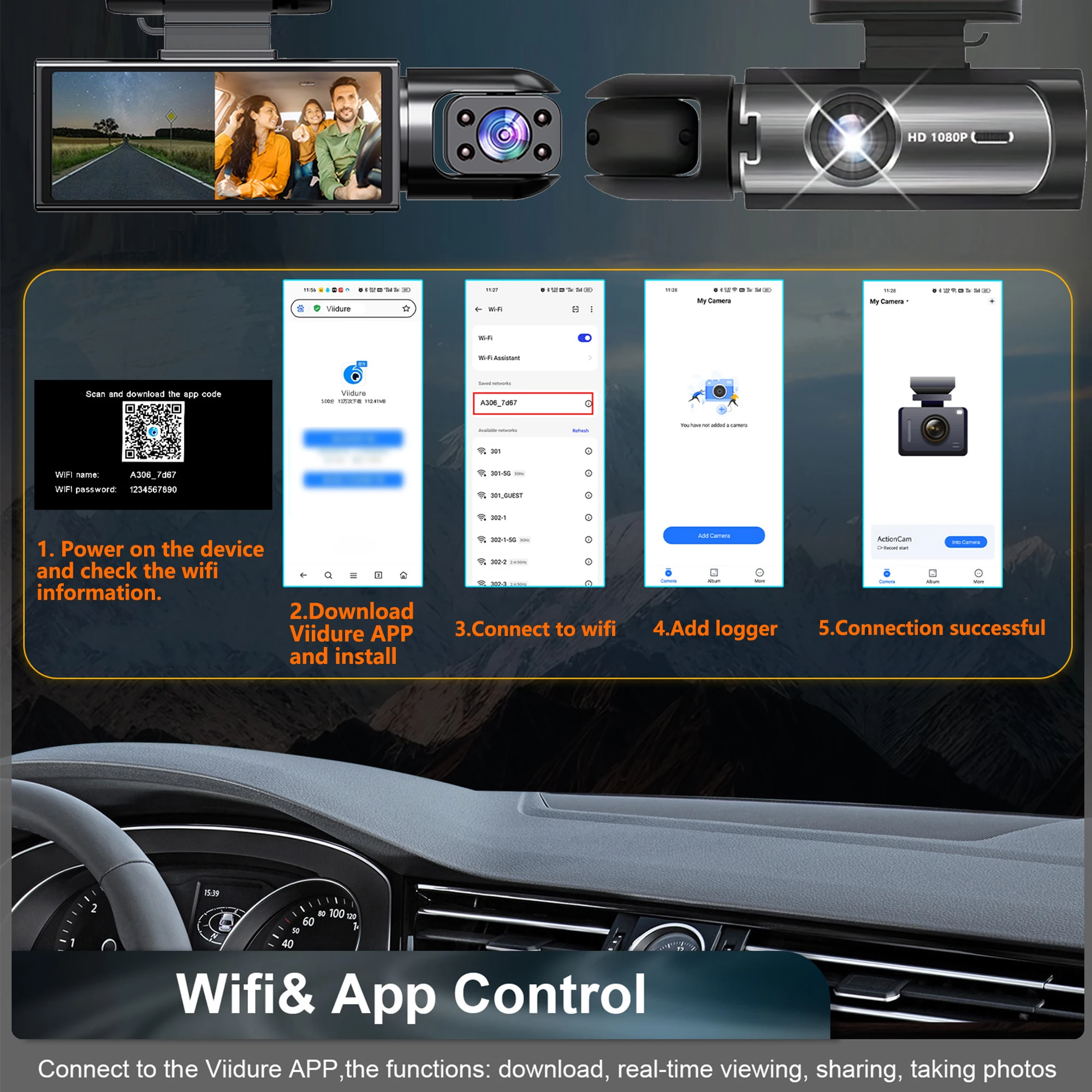
How do I connect to WiFi ?
Please refer to the instructions for specific steps. The camera's WiFi is only for data transmission and has an effective range of 20 meters. Unable to connect to the internet! Unable to connect to the internet!
How can I contact us ?
support@gadgetsstyle.com
This is our dedicated customer service email address. If you have any questions, please contact us. We will respond within one week of receiving your message.

• Built-in WiFi
Download the APP from Android and iOS systems, connect your phone with dash cam via WiFi, then you can view the recordings in real-time, also can download, playback and share the recordings via your phone.
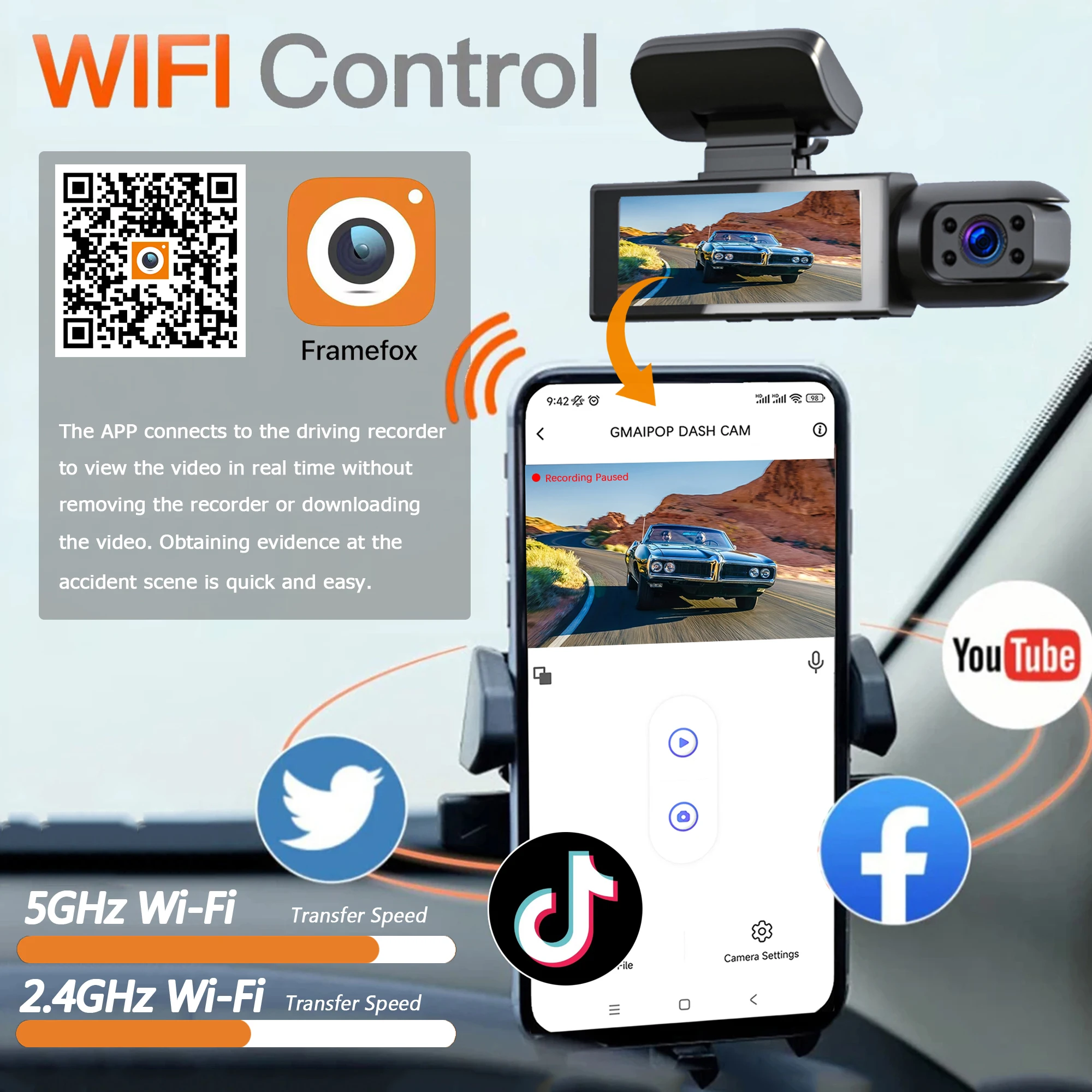
• How to link WIFI
You need to press and hold the M menu button for 2-4 seconds, then it will display the settings menu, find the "WiFi and APP" setting and turn it on, the APP download QR code is also in the menu bar. According to the information displayed on the device, connect the device's WiFi, and finally you can connect the phone and watch the video in the mobile phone APP.

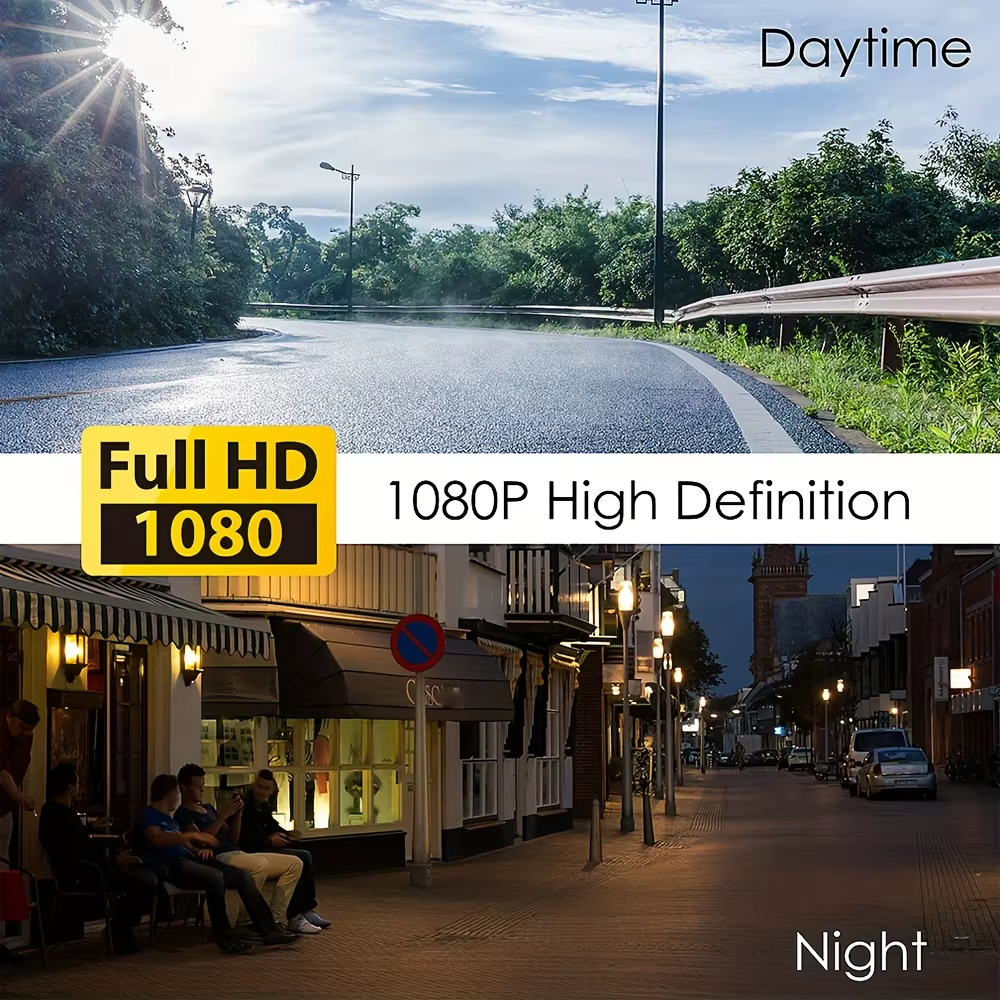
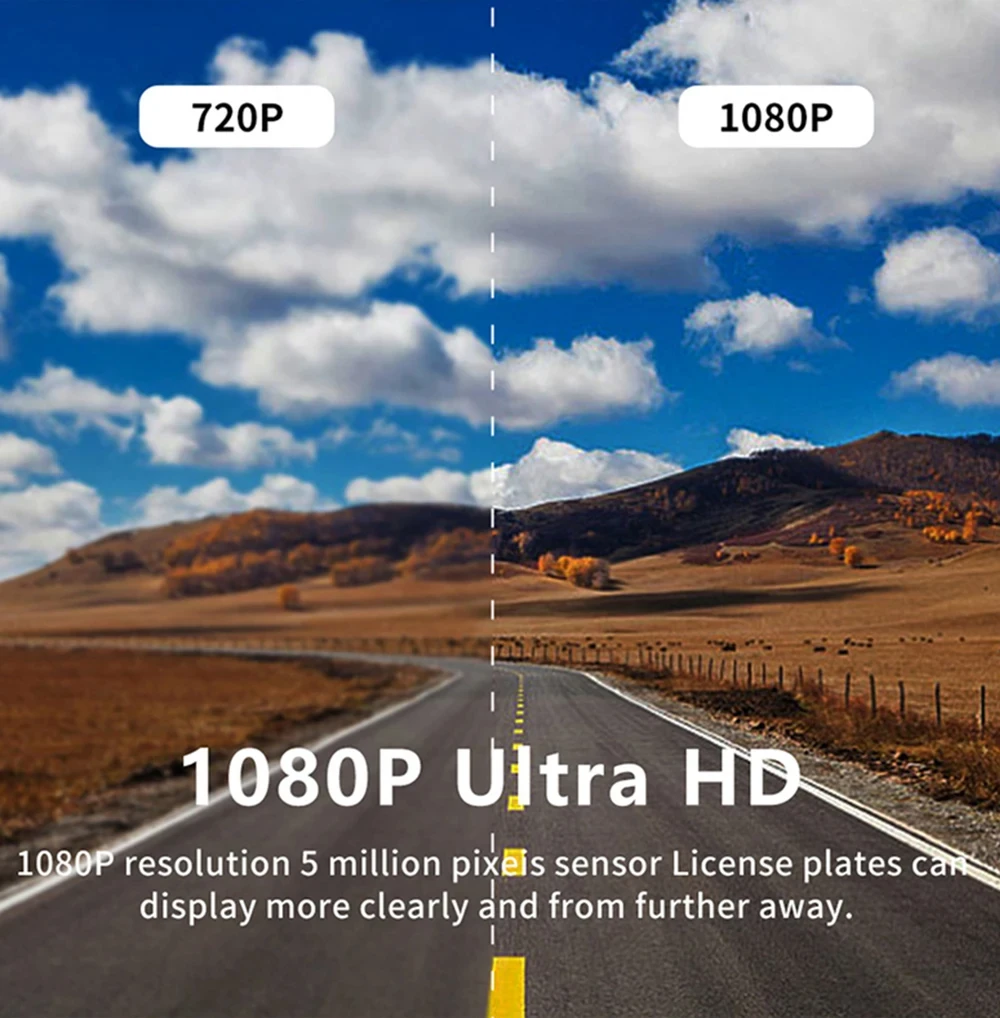
• High-definition recording at 1080P
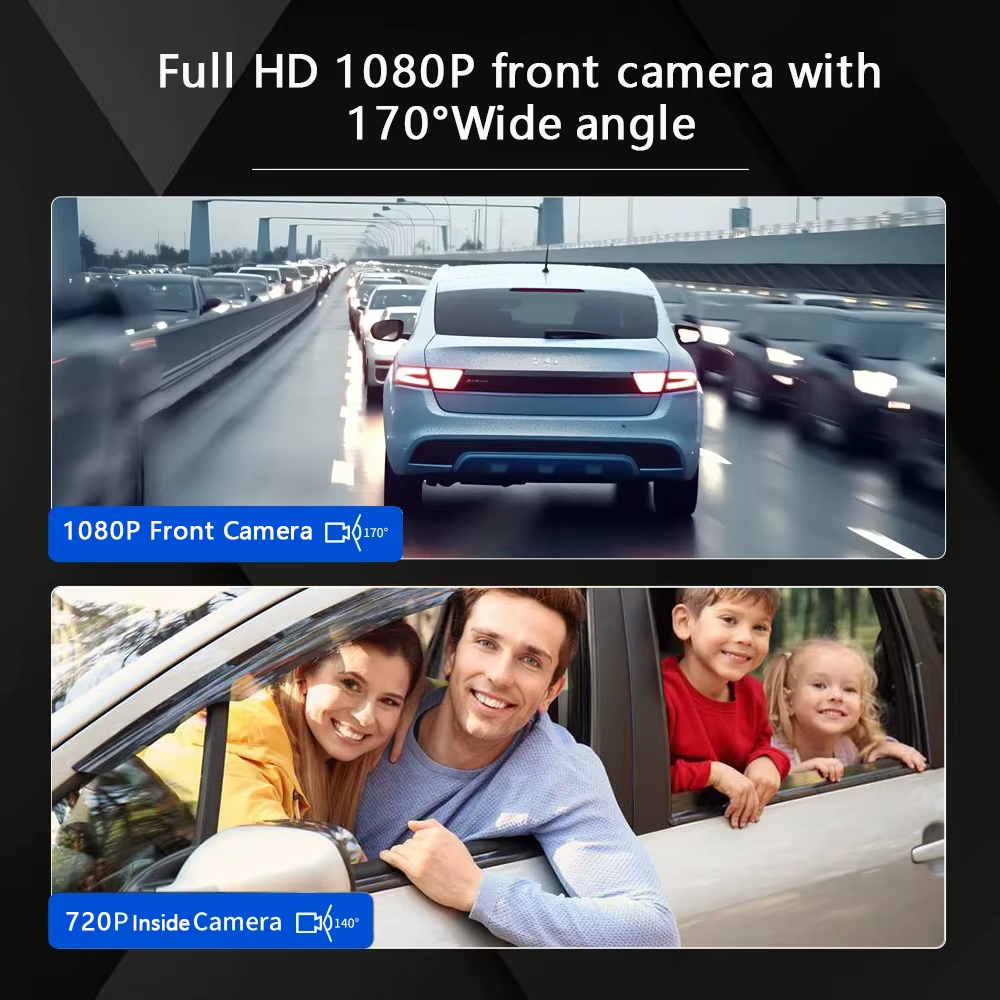
The Car DVR records in high-definition at 1080P, capturing clear and detailed footage of your driving experience.
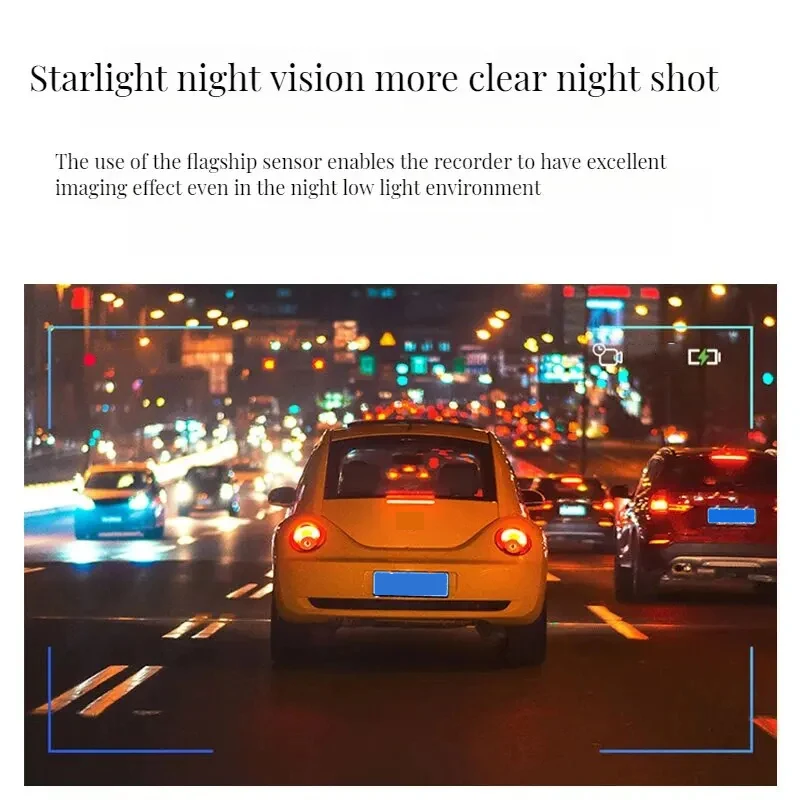
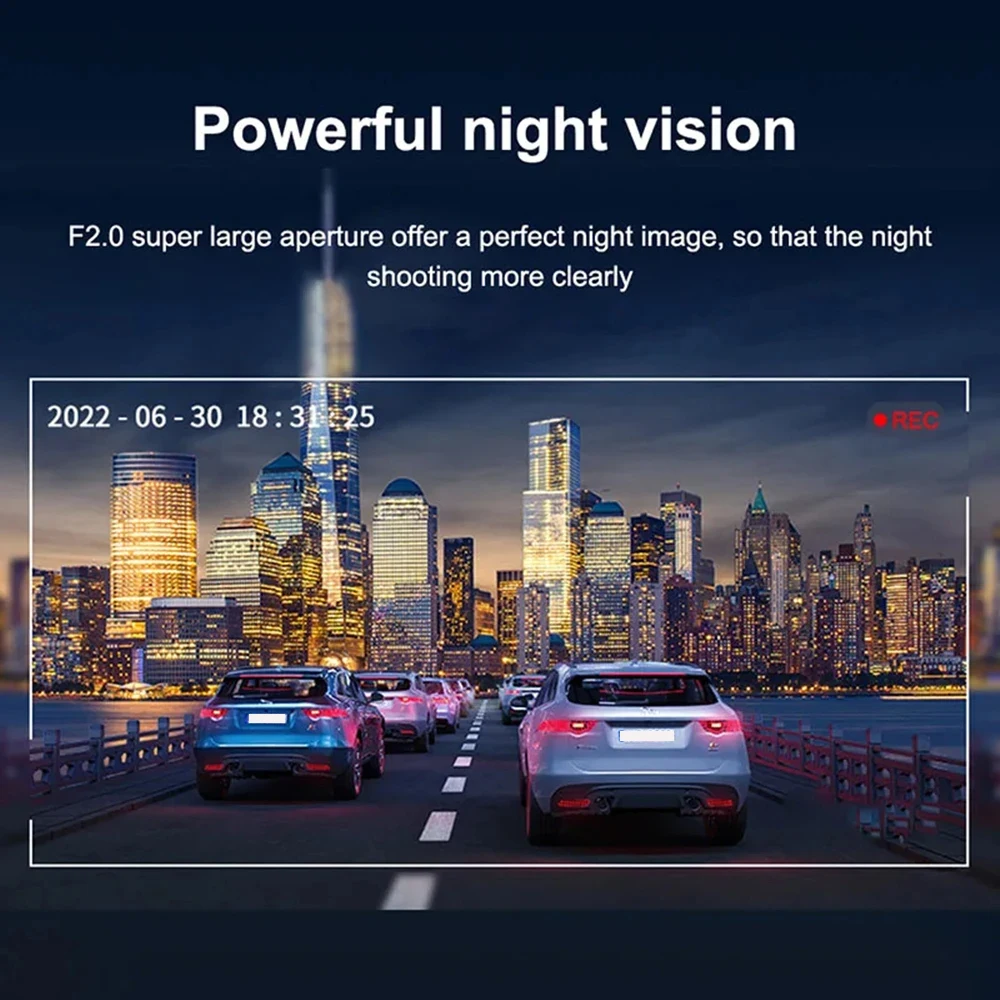
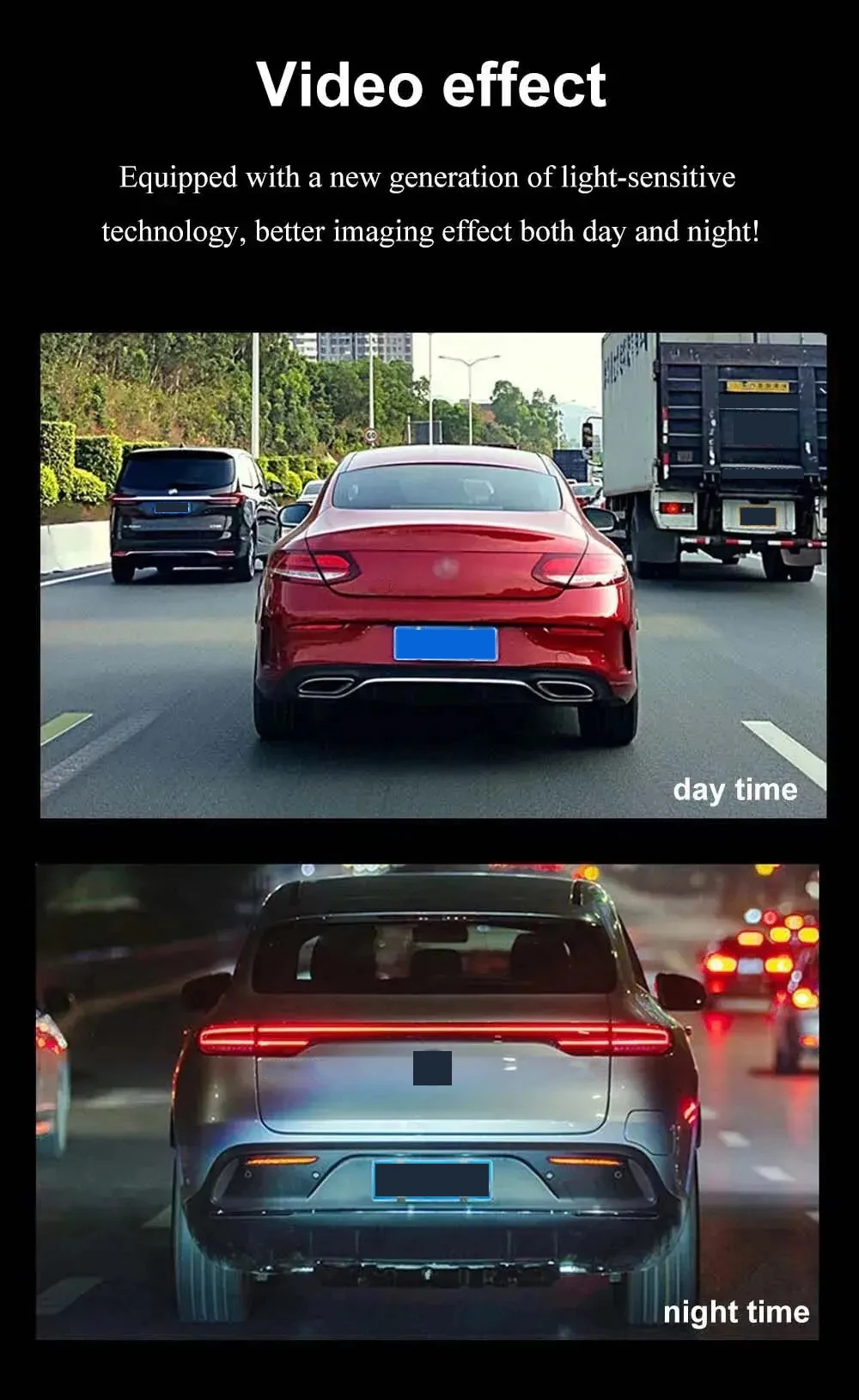
• Night vision recording
The Car DVR has night vision recording capabilities, allowing you to capture clear footage even in low-light conditions.

• Wide-angle lens captures more of the road ahead
The Car DVR's wide-angle lens captures more of the road ahead, providing a broader view of the road and increasing safety while driving.
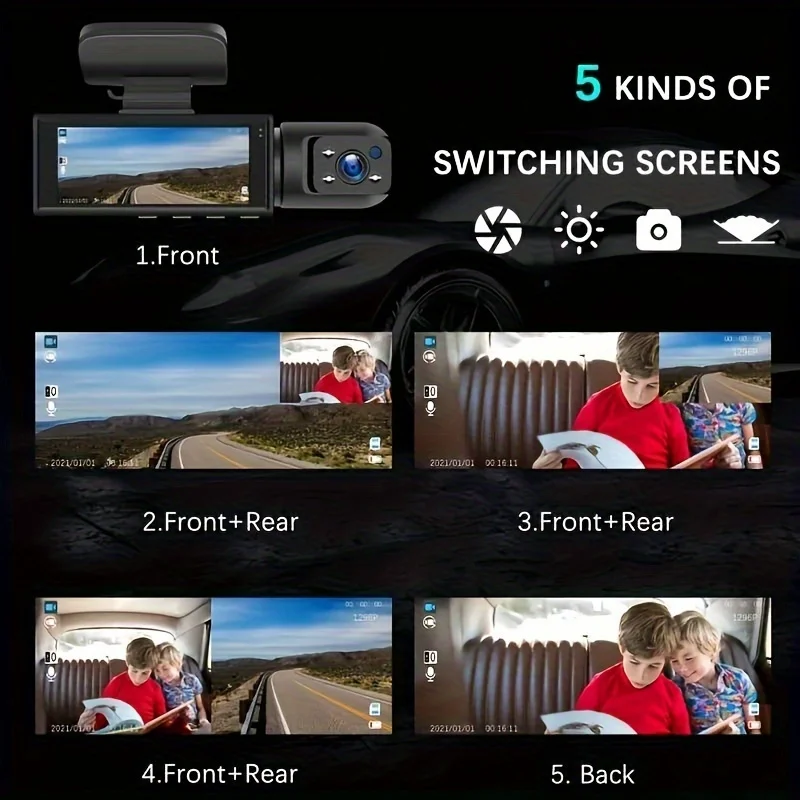


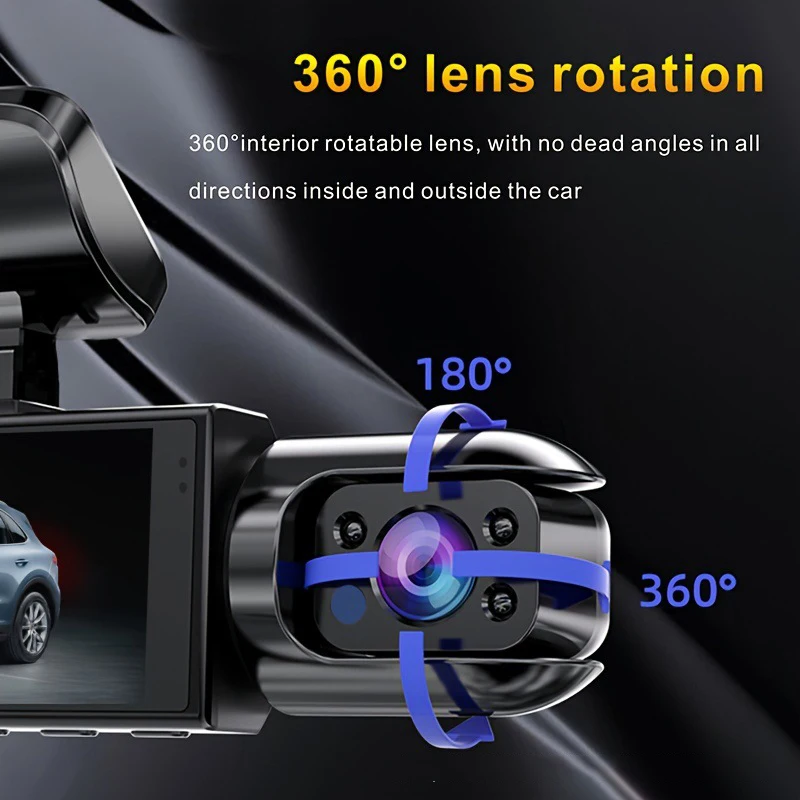
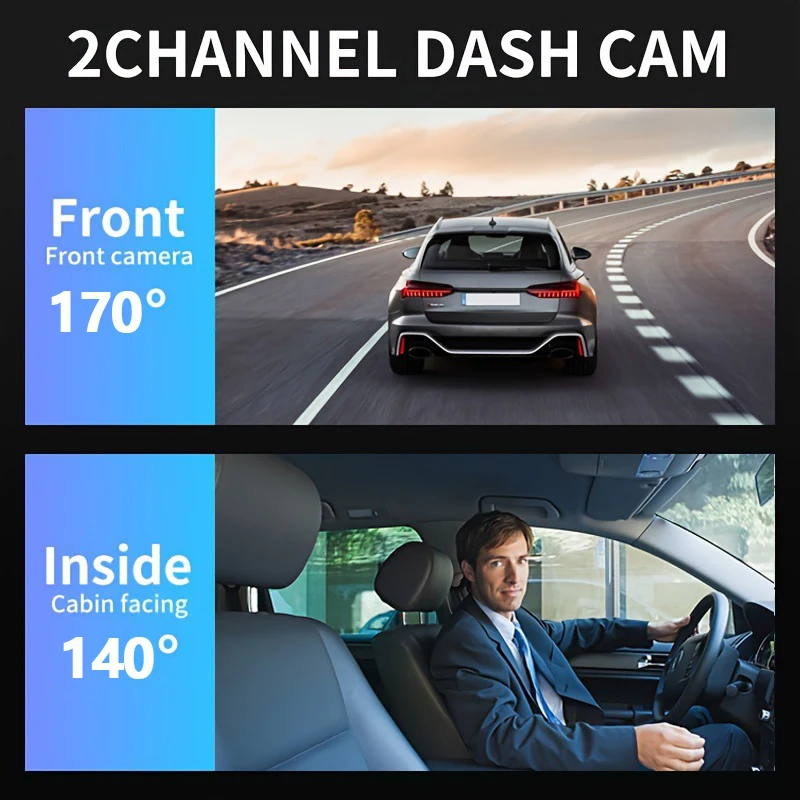
• Dual lens design for front and inside video
The Car DVR has a dual lens design, capturing both the front and inside of the car for a comprehensive video record of your driving experience.


Shipping cost is based on weight. Just add products to your cart and use the Shipping Calculator to see the shipping price.
We want you to be 100% satisfied with your purchase. Items can be returned or exchanged within 30 days of delivery.
Discover more in our FAQ
What does the Dual Lens Dash Cam record?
This dash cam records both front and rear views simultaneously, giving full coverage of your driving experience. It captures clear video footage to help with accident evidence, parking incidents, and overall road safety monitoring.
Does the dash cam support night vision?
Yes, the Dual Lens Dash Cam includes advanced night vision technology. It enhances low-light recording, ensuring clear and detailed footage even during nighttime driving or in poorly lit parking areas.
How is the dash cam powered?
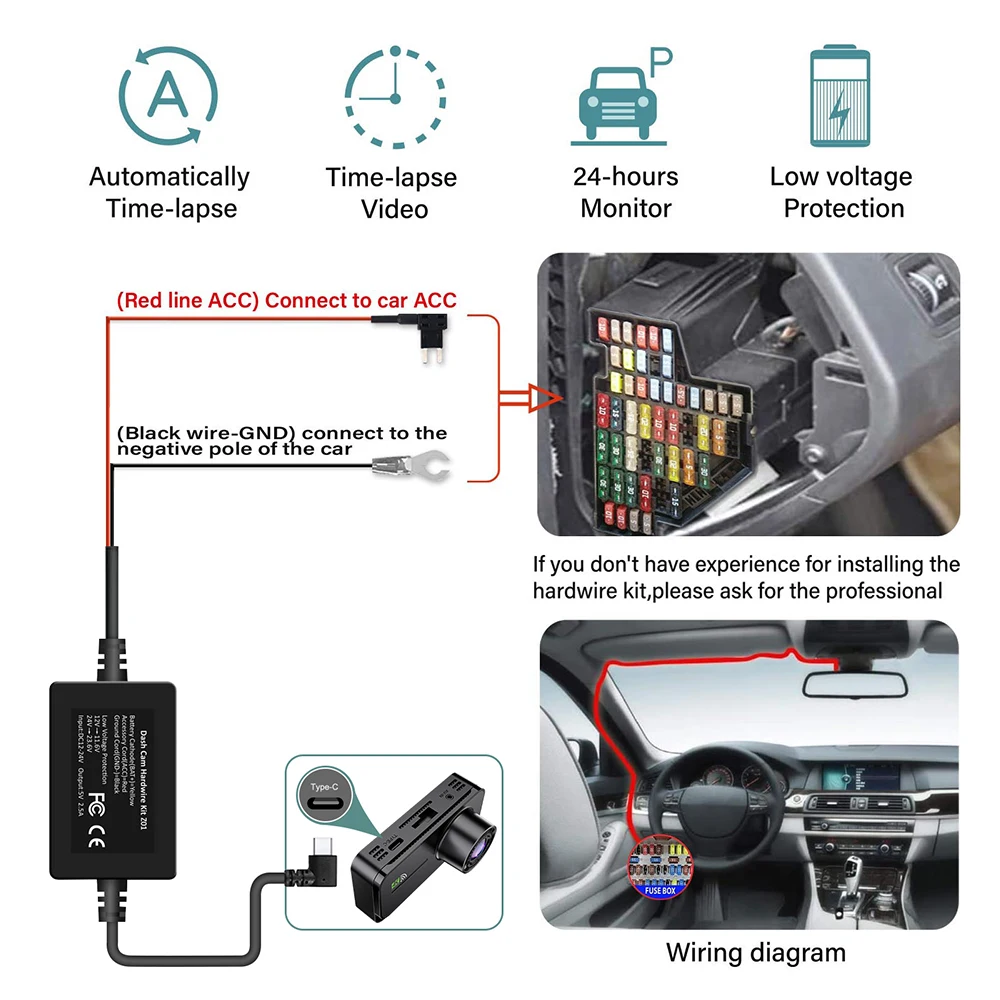
The device is powered through your car’s cigarette lighter or USB port. It automatically turns on when you start your car and shuts off when the engine is turned off, making it very convenient to use.
Does it support loop recording?
Yes, it features loop recording, which automatically overwrites the oldest footage when the memory card is full. This ensures continuous recording without needing to manually delete old files.
Is installation difficult?
No, installation is simple and user-friendly. The dash cam comes with mounting accessories and can be easily attached to your windshield. Most users can set it up within minutes without professional help.
What memory card is compatible?
The dash cam supports microSD cards, typically up to 32GB or 64GB depending on the model. Using a high-speed memory card is recommended for smooth recording and better video storage performance.
Can it record while the car is parked?
Yes, with parking mode enabled, the dash cam can monitor your vehicle even when parked. It automatically starts recording if motion or impact is detected, helping protect your car from theft or damage.